That is the problem.
WordPress is not bad software. WordPress that nobody maintains is. And most local business websites fall into the second category.
The security problem is real
Patchstack documented 5,948 new security vulnerabilities [1] in the WordPress ecosystem in 2023. That is a 24% increase over the year before. 827 plugins and themes were reported as abandoned by their developers, meaning they will never receive another security update.
The vast majority of WordPress hacks do not come from WordPress itself. They come from outdated plugins and themes. A local business owner who set up their site in 2022 and has not updated it since is running software with known security holes that anyone can find with a free scanning tool.
What does a hacked website look like for a local business? Sometimes it is obvious: your site redirects to a pharmacy in another country. Sometimes it is invisible: your site quietly sends spam emails or hosts malicious downloads, and you do not find out until Google flags your site as dangerous and removes it from search results. By the time you notice, the damage to your search rankings can take months to recover from.
The speed problem is costing you money
Google measures how fast your website loads. These measurements are called Core Web Vitals, and they directly affect where your site appears in search results. A slow site ranks lower. A fast site ranks higher. It is that simple.
Most local business WordPress sites are slow. The reasons are predictable:
The theme was chosen for how it looked, not how it performed. It loads dozens of fonts, animations, and scripts on every page whether they are needed or not. The site runs 15 to 30 plugins, each adding its own code that runs every time someone visits. The hosting is a $5 per month shared plan where your site competes for resources with hundreds of other sites on the same server. Images were uploaded at full resolution straight from a phone camera, so every page loads multiple 3 to 5 megabyte files.
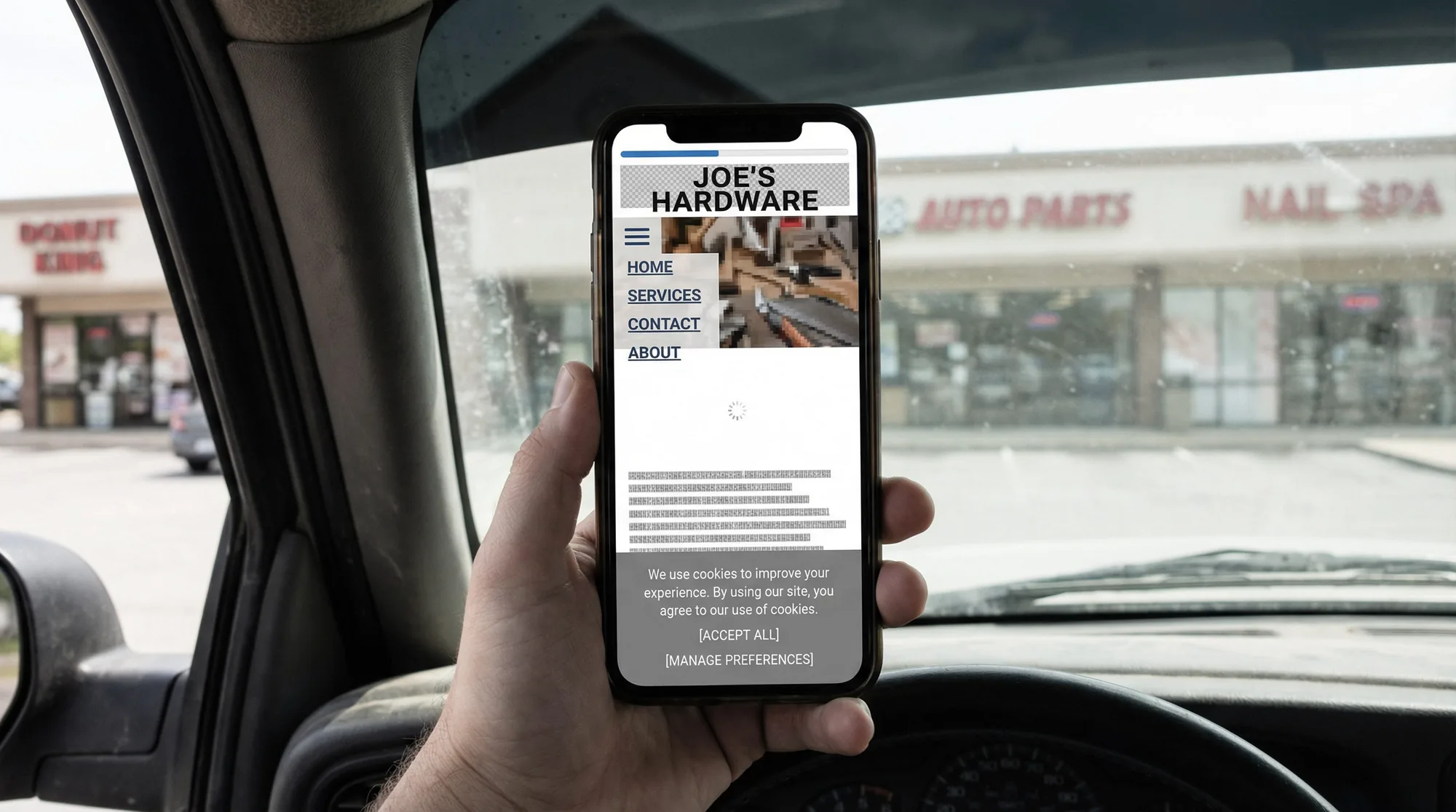
None of this is visible to you when you look at your own site on your office WiFi. But a customer on their phone with a decent cellular connection is waiting 4 to 8 seconds for your homepage to load. Google's own data [2] shows that 53% of mobile visitors leave a site that takes longer than 3 seconds to load. They are not coming back. They are going to the next result.
The hidden cost problem
WordPress is free to install. Everything around it is not.
A typical local business WordPress site accumulates costs that are easy to miss because they arrive as small monthly charges across multiple services:
- Managed hosting: $20 to $50 per month
- Premium theme or page builder license: $5 to $15 per month
- Security plugin (Wordfence, Sucuri, etc.): $8 to $25 per month
- Backup plugin: $5 to $10 per month
- SEO plugin (Yoast Premium, Rank Math Pro): $8 to $15 per month
- Form plugin: $5 to $15 per month
- Contact or chat plugin: $10 to $20 per month
That adds up to $60 to $150 per month, or $720 to $1,800 per year, just to keep the "free" software running. And that does not include the cost of someone actually maintaining it. If you are paying a developer or agency for monthly maintenance (updates, backups, monitoring, fixing things that break after updates), add another $75 to $200 per month.
For a local business that needs a professional website with a contact form, service descriptions, and a way for customers to find them on Google, that is a lot of recurring cost for something that could be simpler.
The maintenance burden nobody talks about
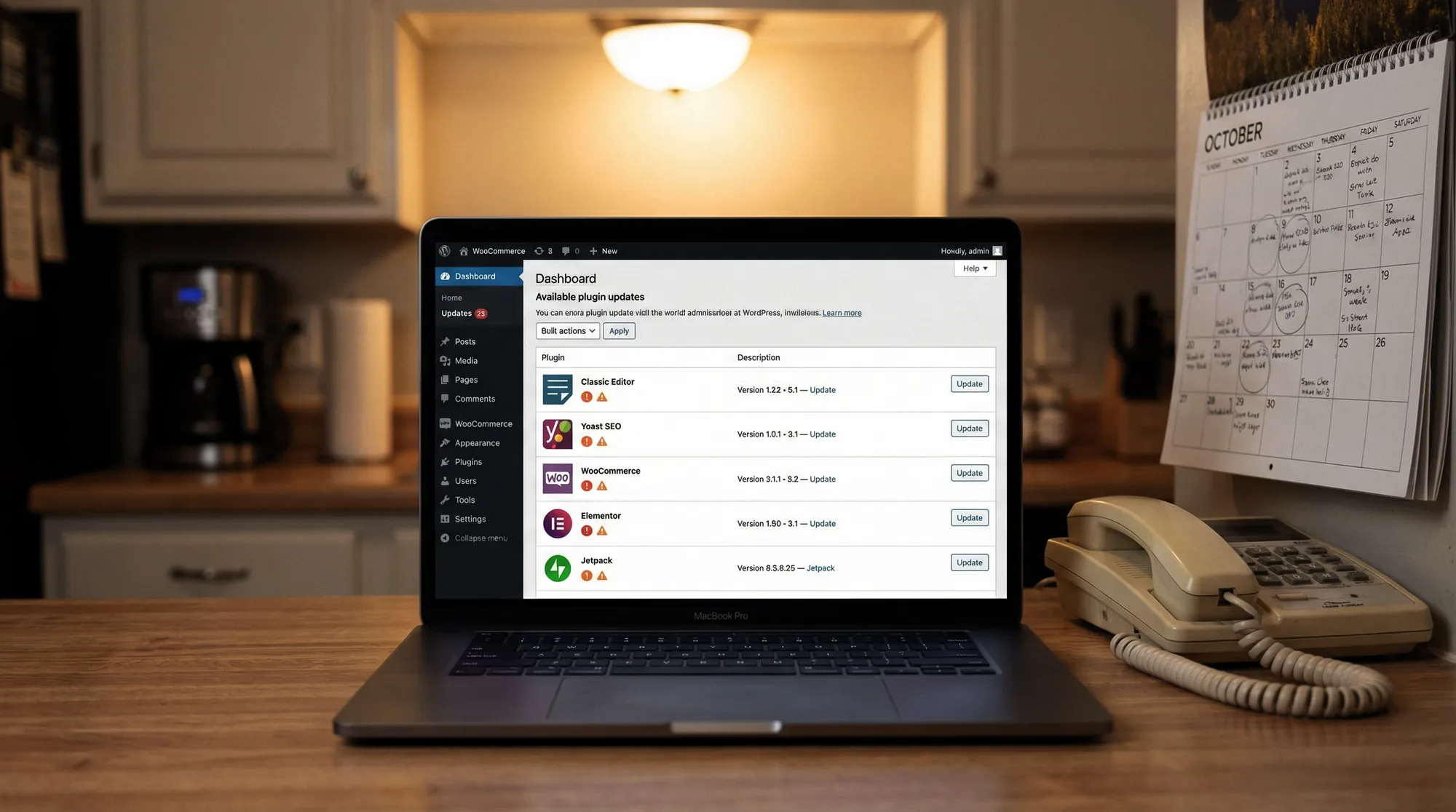
WordPress requires regular updates. The core software, the theme, and every plugin need to be updated when new versions are released. Some of these updates happen weekly. Skip them and you accumulate security vulnerabilities. Apply them and sometimes things break, because a plugin update conflicts with your theme or another plugin, and now your contact form does not work or your homepage layout is broken.
This is manageable if you are a developer or if you pay someone to handle it. For a local business owner who has a hundred other things to do, it is an ongoing source of friction that should not exist. You should not have to think about whether updating your website will break it.
When WordPress still makes sense
This is not an article telling you to abandon WordPress. WordPress is the right choice in specific situations:
If your business requires complex functionality that changes frequently, like a large e-commerce catalog with inventory management, custom booking systems, membership areas, or integrations with industry-specific software, WordPress's flexibility and plugin ecosystem are genuine advantages.
If you already have a well-maintained WordPress site with a developer or agency actively managing updates, security, performance, and backups, there is no reason to switch. A maintained WordPress site performs well.
If your business needs custom features that platforms like Squarespace or Webflow cannot handle, WordPress gives you the freedom to build whatever you need.
When WordPress is the wrong tool
For a local business that needs a professional website, a contact form, service descriptions, customer testimonials, and strong Google visibility, WordPress is often more tool than the job requires. It is like renting a commercial kitchen to make toast.
The alternatives have matured significantly. Platforms like Squarespace and Webflow handle hosting, security, backups, SSL certificates, and performance optimization automatically. There are no plugins to update, no security vulnerabilities to patch, no theme conflicts to debug. The tradeoff is less customization flexibility, but most local businesses do not need that flexibility. They need a fast, secure, professional site that works on phones and shows up in Google.
A custom-built site (using a framework like Laravel, Next.js, or even well-structured static HTML) is another option for businesses that want complete control without the WordPress maintenance overhead. The upfront cost is higher, but the ongoing maintenance is lower and the performance is typically better.
How to know if your WordPress site is hurting you
You can check most of this in fifteen minutes:
Speed. Go to PageSpeed Insights [3] and enter your website URL. Look at the mobile score. If it is below 50, your site is slow enough to be losing you customers and search rankings. Below 30 is a serious problem.
Security. Log into your WordPress admin panel. Go to the updates page. If you see a number next to "Updates" in the sidebar, you have pending updates. If that number is higher than 10, your site has not been maintained in a while. If you cannot log in because you do not remember the password and nobody has accessed the admin panel in months, that tells you everything.
SSL. Look at your website URL in the browser. If it says "http://" instead of "https://," your site is not encrypted. Google flags unencrypted sites with a "Not Secure" warning that customers can see. This is a basic trust signal that should have been fixed years ago.
Mobile. Open your website on your phone. Navigate to your contact page. Try to tap the phone number. Try to find your hours. Try to fill out the contact form. If any of this is difficult, frustrating, or broken, that is what your customers experience. 79% of local business discovery happens on mobile devices [4].
Google. Search your business name on Google. Look at what shows up. Is your Google Business Profile complete and accurate? Do the hours match your actual hours? Are there recent reviews? Is there a link to your website? Now search "your service + your city" (for example, "accountant Andover MA"). Can you find yourself in the results? If not, your competitors are getting those customers instead.
What to do next
If your site is slow, insecure, or unmaintained, you have three options:
Option 1: Fix the WordPress site. Hire someone to update everything, remove unnecessary plugins, optimize performance, set up proper security, and put a maintenance plan in place. This makes sense if the site is relatively new, the design still works, and you are willing to pay for ongoing maintenance.
Option 2: Rebuild on a simpler platform. Move to something that handles the infrastructure automatically so you never have to think about updates, security patches, or plugin conflicts again. This makes sense if your site is more than three years old, built on an outdated theme, or loaded with plugins you do not recognize.
Option 3: Do nothing. Your site continues to slow down, accumulate vulnerabilities, and fall further behind competitors who have faster, more secure, better-optimized sites. Google ranks you lower. Customers leave before your page finishes loading. This is also a choice.
The point is not that WordPress is bad. The point is that your website is a business tool, and like any tool, it either works for you or it works against you. If you have not looked at yours in a while, now is a good time to check.